August 28th, 2026
New
If you submit cluster jobs with ClusterPilot, your finished runs can now record themselves in Fieldnotes with no extra command to run.
Turn it on once. ClusterPilot has a Fieldnotes setting, off by default. Switch it on, and each time a job finishes and its results have synced back to your machine, ClusterPilot logs the run for you. You can name the project the runs belong to, or let it use the working directory's name.
No network, no account, no waiting. ClusterPilot calls your local Fieldnotes install directly, which writes to the same database as if you had typed the command yourself. Nothing goes over the wire at job completion, so it works from a laptop on hotel wifi as happily as from the office.
Array jobs, one record per task. Each task drops a small parameters file beside its own outputs, those files travel home with the results, and your workstation records the lot in one pass. Thousands of tasks, one writer, no half-written database.
Neither tool needs the other. Fieldnotes never requires ClusterPilot, ClusterPilot never requires Fieldnotes, and if the Fieldnotes command is not installed, ClusterPilot simply carries on. Logging never fails a job.
How to turn it on, and what ends up in each record: fieldnotes.sh/docs/logging-with-clusterpilot
August 28th, 2026
New
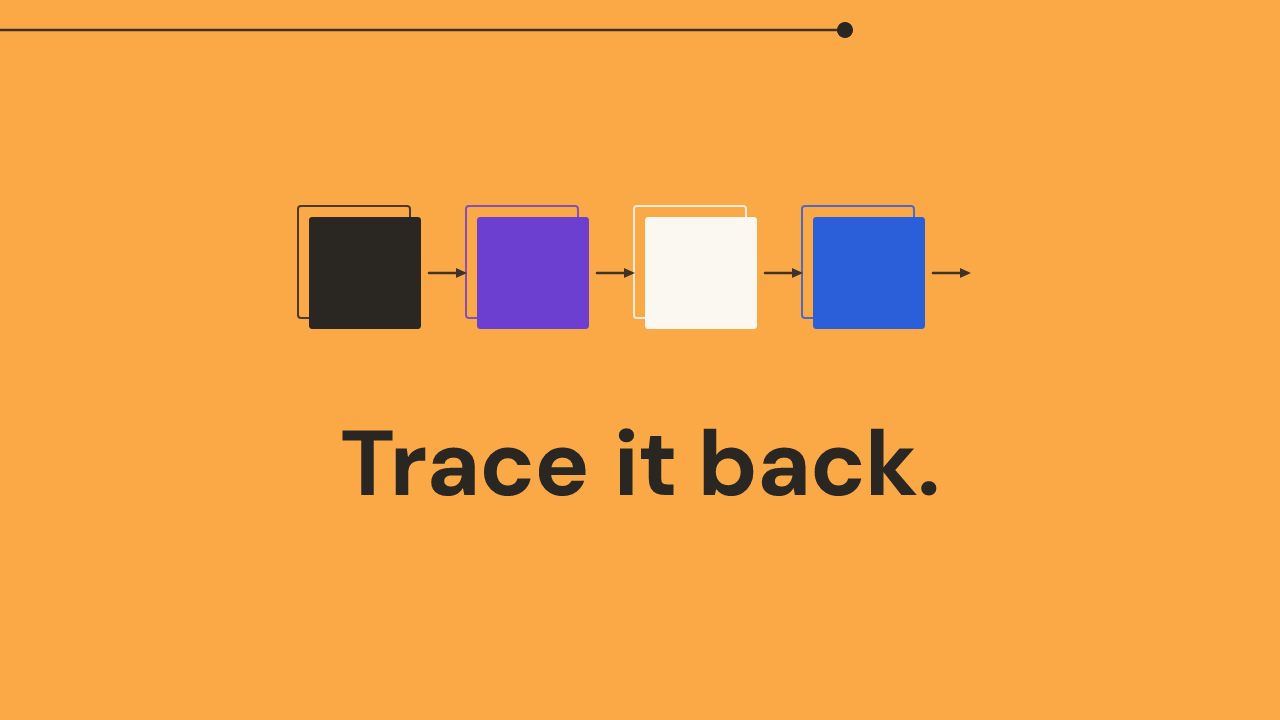
A figure in a paper is only trustworthy if you can say what produced it. Fieldnotes now answers that question for you.
Record what went in, not just what came out. As well as the files a run produced, you can record the files it consumed. A simulation writes a data file; a plotting script reads that data file and writes a figure. Two ordinary runs, each logged on its own.
The chain is worked out, never typed. Fieldnotes matches one run's outputs to another run's inputs and derives the link between them. You never write a connection by hand, and there is nothing to keep up to date. Ask about a figure and you get the plotting script that drew it, the data it read, the simulation that produced that data, and the parameters behind the whole thing.
It survives the code changing. Each run carries its own snapshot of the script as it was on the day, so a run from eighteen months ago still shows the code that actually made it, not today's version of the same file.
Ask by file, not by memory. Search for any file, output or input, and every run that touched it comes back, producers and consumers alike. That is usually the real question: which run made this plot?
The whole pattern, with worked examples for both ways researchers organise their analysis: fieldnotes.sh/docs/tracing-the-chain
August 28th, 2026
New
Fieldnotes now records a finished run from a single command line, with nothing added to your scripts.
One command, at the end of a run. Point fieldnotes log at the script you ran, the parameters it used, and the files it produced. Fieldnotes takes a copy of the script exactly as it was, reads the parameters, and records where each output file lives. Your data files are never moved, never copied, and never uploaded; Fieldnotes stores the pointers and the context around them.
Parameters, however you keep them. Read them from a params.json, params.toml or params.yaml, or pass them inline, or both. Add tags, a note to your future self, and result metrics such as a final energy or a fitted exponent, and they become part of the record.
It works from any language. There is one command-line tool, driven the same way from Julia, Python, R, Fortran or MATLAB. There is no library to import and no framework to adopt, which means a run is logged the same way whether it took four seconds or four days.
Everything stays on your machine. Records live in a small database in your home directory. No account, no server, no network. If your project happens to be in git, the commit hash is captured quietly; if it is not, nothing complains.
Getting started, end to end, in about two minutes: fieldnotes.sh/docs/getting-started